The ISO 17025 workspace brings your controlled documents and operational records into one place for audit preparation.
It does not determine conformity or replace accreditation.
For exact rules, state codes, and failure meanings, see:
What is in the ISO 17025 workspace
Open Quality evidence in the Quality area.
- Readiness: shows missing evidence, inactive authorisations, and warnings (these are status checks, not pass/fail).
- Evidence library: controlled PDFs and fixed revision history.
- Personnel authorisations: technical scope, limits, dates, and support docs.
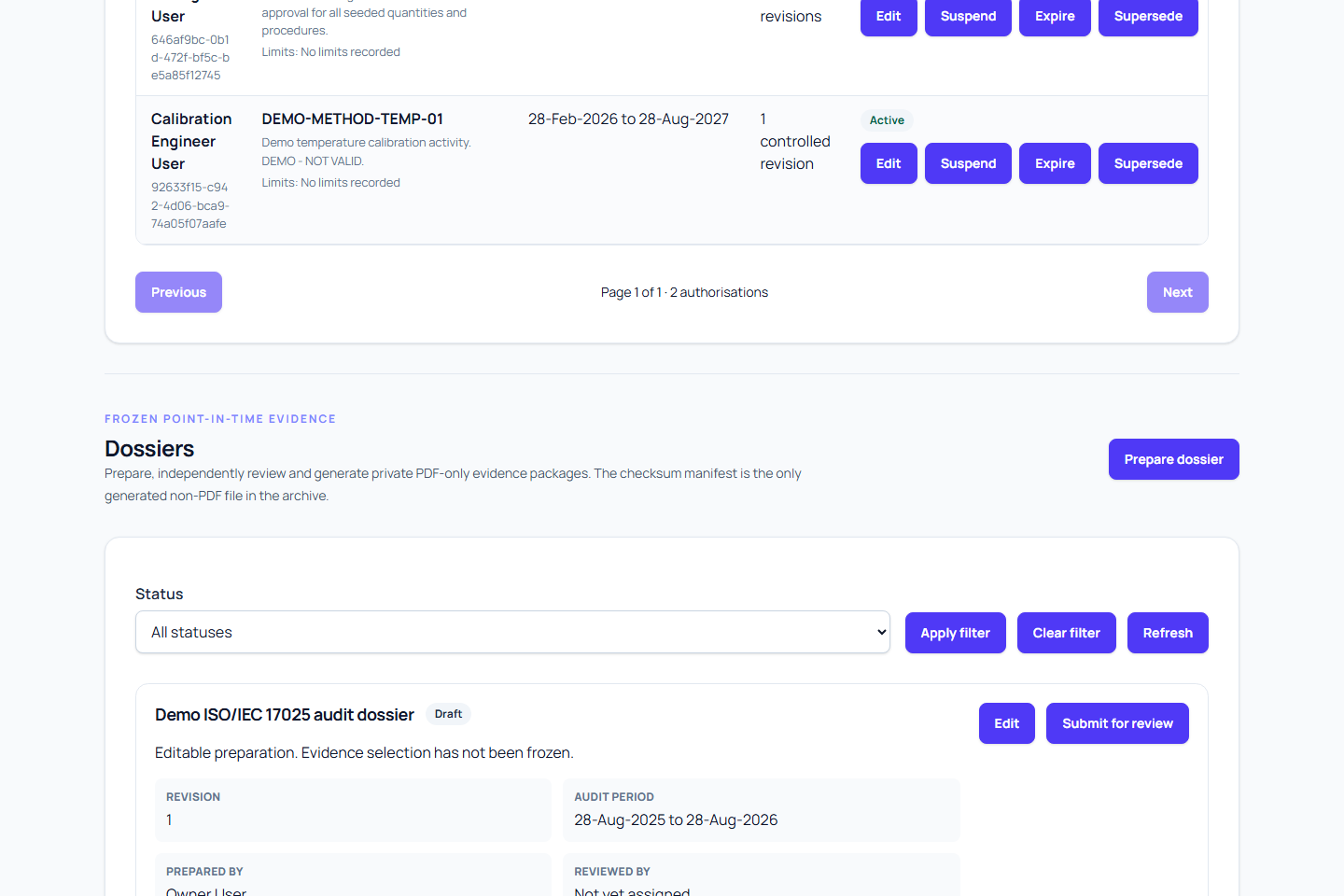
- Dossiers: build, review, approve, generate, and download evidence packages.
Set up before creating a dossier
Before creating a draft:
- Confirm the audit profile and declared scope.
- Mark each topic as:
- applicable
- not applicable (with rationale)
- not assessed
- Upload controlled evidence in PDF.
- Submit required revisions for approval.
- Link evidence to topics.
- Record personnel technical authorisations.
- Review and resolve or accept readiness warnings.
Role alone does not prove technical competence; personnel technical authorisation is separate from app roles.
Create a dossier
- Open Dossiers and create a draft.
- Choose the audit profile.
- Add a clear title and scope summary.
- Set inclusive start and end dates.
- Select one or more organisation-owned sites (client-backed or internal).
- Choose the evidence mode.
- Decide whether to include non-final operational events.
- Save and review readiness preview.
Each selected site is frozen into the dossier scope. Internal sites are included without client identity.
Choose an evidence mode
| Mode | When to use it |
|---|---|
approved_only | Use only independently approved calibration events. |
completed_only | Include completed events, including non-final completed states. |
all_events | Include the broadest set, including rejected, voided, and failed events that are in scope. |
Use this carefully because broader modes can include records that need explanation.
How historical selection works
For each selected site, Metra builds scope from equipment deployment history, not current assignment.
- An item is included when its deployment overlaps the dossier period.
- Calibration events are included when performed date is in-scope.
- Linked evidence is then attached (certificates, procedure execution, measurements, out-of-tolerance records).
Exact movement dates are important, especially near the start or end of the dossier period.
Submit and review
- The preparer submits the draft.
- A different authorised reviewer checks frozen scope and warnings.
- Reviewer approves or sends back scope/evidence corrections to source records.
The same person who prepared the dossier cannot approve it.
If the scope or source evidence is wrong, create a new revision rather than changing an approved one.
Generate and download
After approval, the revision moves through these states:
draftready_for_reviewapprovedgeneratingavailablefailedexpired
While generating, refresh and wait instead of repeatedly requesting generation.
On success, the state becomes available and download works through the app.
Generated packages include:
- a PDF index
- fixed PDF registers
- selected evidence and certificates
manifest.json(with checksums)
Generated packages are available for 90 days. Source records remain authoritative and are not replaced.
What to do on generation problems
- Read every warning.
- Confirm selected sites still belong to the organisation.
- Confirm movement periods are correct.
- Confirm controlled evidence is approved where required.
- Confirm certificate availability and evidence mode.
If corrections are made, create a new dossier revision and approve it again.
Permission notes
- Owners and quality managers usually have full preparation, approval, and download rights.
- Organisation administrators can prepare and download, but cannot approve.
- Calibration roles do not automatically get dossier rights.
Permission is required in addition to workflow and scope checks.
Related guides
- Get started with Metra
- Equipment and rotation
- Calibration work
- Review measurement evidence
- Configure the ISO audit profile
- Manage the controlled evidence library
- Record personnel technical authorisations
- Review ISO 17025 audit readiness
- Select dossier scope
- Create and submit a dossier
- Review and approve a dossier
- Generate and download a dossier
Procedure evidence
For selected events, dossiers include:
- approved procedure revision hash
- ordered steps and responses
- execution deviations and outcomes
- actor information
- linked measurements and evidence
Reference standard traceability
For in-scope events, dossiers include:
- standard usage revisions
- traceability assessments and hashes
- accreditation snapshots
- certificate checksums
- evidence state for complete/incomplete/compromised/legacy-unassessed
See Reference standards in ISO 17025 dossiers.
Measurement uncertainty evidence
The dossier stores the frozen uncertainty evidence selected for each event:
- approved budget and policy versions
- source definitions
- observations and statistics
- as-found and as-left results
- expanded uncertainty
This is not recalculated using newer budgets or policies.
Conformity-decision evidence
Dossiers also include:
- decision-rule revision and hash
- limits and acceptance criteria
- measurement and uncertainty references
- outcome and reason codes
- acknowledgements and actor timestamps
This is produced from the frozen revision only; it is not recalculated during export.