Measurement steps can include Absolute reading lower limit and Absolute reading upper limit in their configured unit. Supply both limits when applicable. They describe acceptable readings, not ± error values, and apply to that step's nominal points. Use separate steps when points need different limits. A procedure consisting only of instructions cannot satisfy a requirement that requires structured measurements.
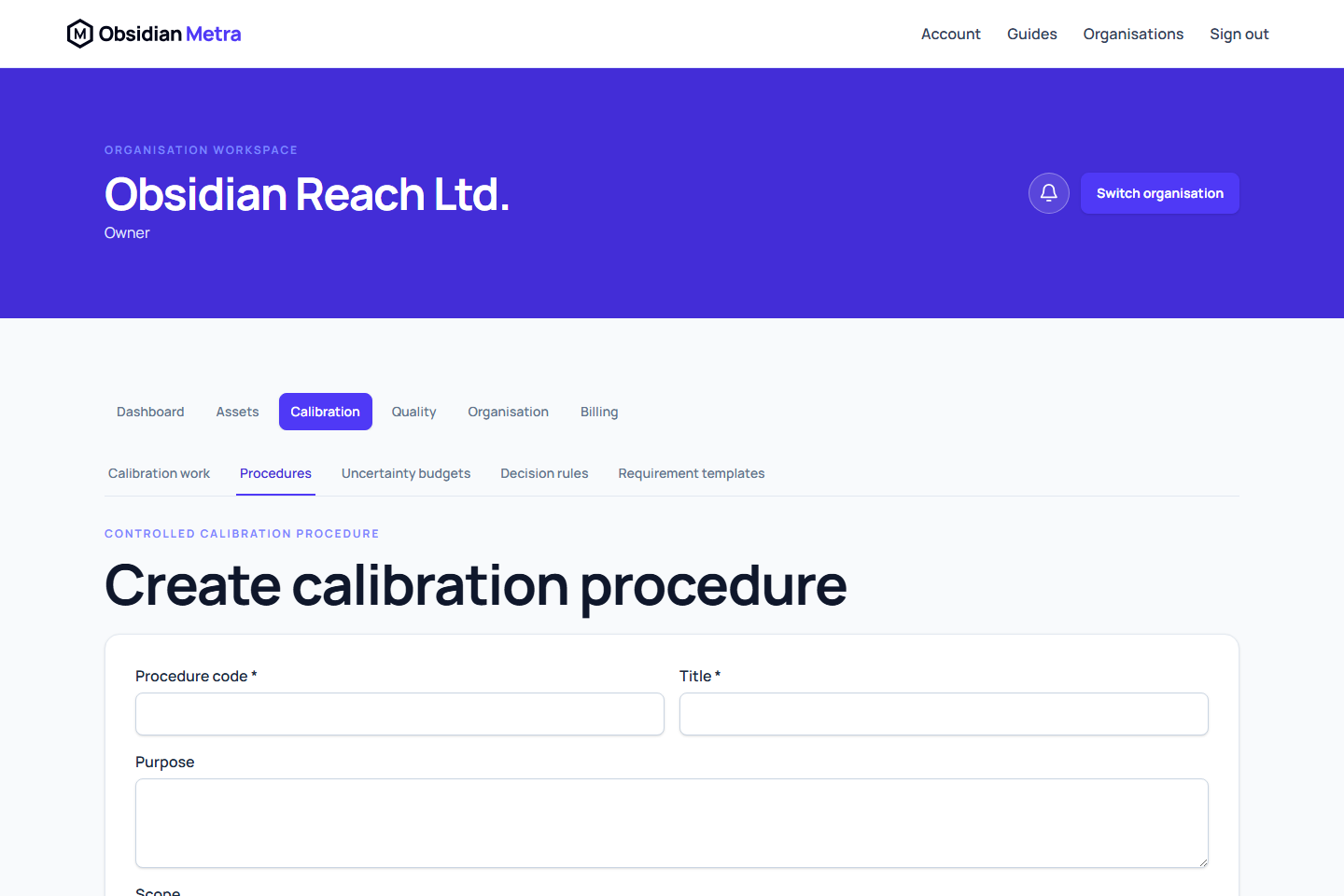
Calibration procedures define the approved work plan calibration engineers and other authorised performers follow inside Metra. They are separate from calibration requirements, which define recurrence, and measurement evidence, which remains the official numerical record.
You can author a procedure before creating requirement templates or equipment requirements. If the procedure uses a controlled uncertainty budget or decision rule, prepare and approve those revisions before selecting them. Arrange an independent authorised reviewer before submitting the procedure; the author cannot approve their own revision.
Write the certificate method
Enter a Certificate method description explaining the method in readable terms. The description is approved with the controlled procedure revision and printed on its certificates. Keep actual calibration-specific apparatus and setup notes on the calibration record.
You can optionally open Draft the method description with AI. After explicit consent, Metra sends the supplied procedure title, purpose, scope and step inputs to OpenAI. Do not include customer/contact details or secrets in those inputs. Review and edit the returned draft, then select Use reviewed draft to replace the method text. Generation never saves or approves a procedure, and failures leave your manual text unchanged.
Choose Measurements only — no conformity statement only where the procedure requires no conformity decision. Remove incompatible decision-rule assignments and conformity steps before saving that mode. Measurement-only reporting does not conceal required failure handling or imply a pass.
Start with the readable method
- Open Calibration, then Procedures.
- Select Create procedure.
- Enter a unique controlled code, title, purpose, scope and change summary.
- Enter a stable Authorisation activity reference that exactly identifies the activity covered by personnel technical authorisations. Keep it stable across revisions unless the authorised activity changes.
- Add steps in the order work must be performed.
- Give every step a stable key, readable title and clear instruction.
- Choose the step type that describes the activity. Advanced controls appear only when that type needs them.
- Mark mandatory steps as required and permit not-applicable responses only when justified.
- Use Move up and Move down to confirm the execution order, then save the draft.
Add advanced controls only where they apply
The authoring workspace keeps evidence configuration out of the way until the selected step type requires it:
- Environmental-condition, reference-standard, and measurement steps expose quantity and unit controls.
- Measurement steps also expose stage and nominal-value controls.
- Calculation steps use a predefined calculation type. Measurement-uncertainty calculations require an exact approved uncertainty-budget revision.
- Conformity-decision steps expose an exact approved decision-rule revision.
- Evidence steps identify certificate or controlled-evidence work.
- Checklist steps contain explicit checklist items.
- Completion declarations cannot be marked not applicable.
Use measurement, reference-standard, and evidence step types to link their existing controlled workspaces. Do not copy readings, standard details, uncertainty calculations, or certificates into free text. Metra does not provide arbitrary formulas or branching in this workflow; its controlled calculation and conformity workspaces remain authoritative.
Prepare execution across multiple devices
If the method includes work actually shared by several devices, enable Allow group execution under Ordered steps and set each step's Execution scope. Keep inspections, readings, adjustments, calculations and conformity decisions per-device. A group-enabled revision must contain both shared and per-device work.
For the group readings grid, pair each shared stabilisation point with a later per-device measurement step using the same Calibration point key (optional) and one nominal value. Review the ordered preview before saving. Prepare a procedure for multiple devices walks through the configuration and independent approval; Calibrate a group of devices explains the operator's workflow.
Choose certificate outputs
Enable Metra-generated certificate output when this procedure will be used with requirements that select Generate in Metra. Select the controlled evidence sections the procedure must produce and enter any fixed certificate statements, one per line. These settings are saved and displayed on the procedure revision and become part of its approved evidence. Disabling output retains the selected sections, fixed statements and saved decimal precision for later review; it prevents certificate generation rather than deleting those settings.
You do not need an accreditation profile or requirement template to create the procedure. If accredited certificates are needed, approve the procedure first when linking it to a profile scope, then approve the profile before selecting it in a requirement template. Site and procedure links on a scope are optional restrictions, not prerequisites for every profile.
Before submitting for review
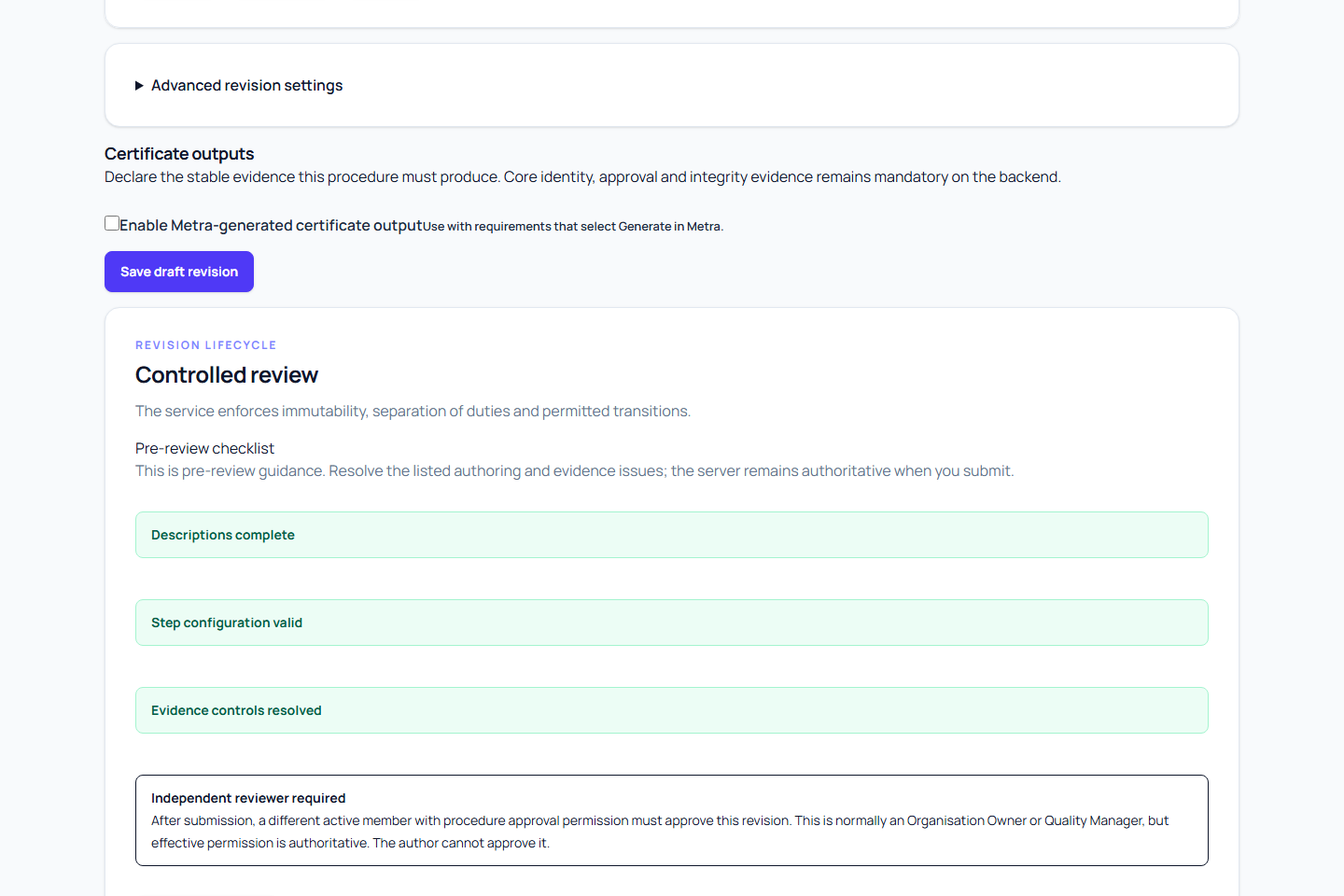
Review the live Pre-review checklist. It calls out missing procedure descriptions, missing step titles or instructions, duplicate or invalid stable keys, incomplete step configuration, unresolved evidence controls, and the need for an independent reviewer.
If a draft cannot be saved because a step needs configuration, its Step settings and evidence section opens and the error names the missing field and step. Environmental observations, reference selection and measurement steps need their compatible quantity and unit. Stabilisation uses its duration and, for grouped work, its matching point key; it does not need an invented measurement quantity. Keep each shared stabilisation before the corresponding individual measurement.
Resolve every blocking item, save the current draft, and then submit it. Submission changes the hand-off to Awaiting independent review. A different active member with procedure-approval permission, normally an Organisation Owner or Quality Manager, must make the approval decision.
Next steps
- Review and approve a calibration procedure
- Manage procedure revisions
- Assign a procedure to calibration work
- Prepare a procedure for multiple devices
- Calibration work overview
- Create a calibration requirement
Procedure authoring warns before leaving with unsaved changes. For signed-in members, unsaved entries can be recovered in the same browser tab. A recovered draft does not change the saved procedure until you save. Confirmed sign-out, session expiry or loss of access clears recoverable drafts; save regularly. If another user changes the revision, compare the latest saved revision and explicitly keep your entries before saving again; a revision that has entered review cannot be overwritten. See Save edits and sign out safely.
Field and internal work
Set the explicit approved place-of-work scope and relevant transport or stabilisation requirements before approval. See on-site controlled work.
Review certificate output for a new draft
A new procedure can show the reviewed operating model's certificate-output suggestion. Use operating model suggestion applies it only when you choose; then review the output specification and mandatory output keys. Existing or recovered procedure revisions keep their deliberate settings. A procedure without certificate output cannot support a Metra-generated certificate merely because the organisation generates certificates. Publish an appropriately reviewed revision before using that route.