For help understanding the results and evidence in the document, read Read a calibration certificate.
Before transfer, Metra creates a short-lived upload window. The progress bar shows the transfer; Verifying and saving means the upload is complete and Metra is still validating and saving the evidence record. Keep the page open until the process finishes.
If transfer is interrupted, use Retry upload. If verification fails after the transfer, retrying continues verification without sending the file again. An uploaded file does not become certificate evidence until verification and saving complete.
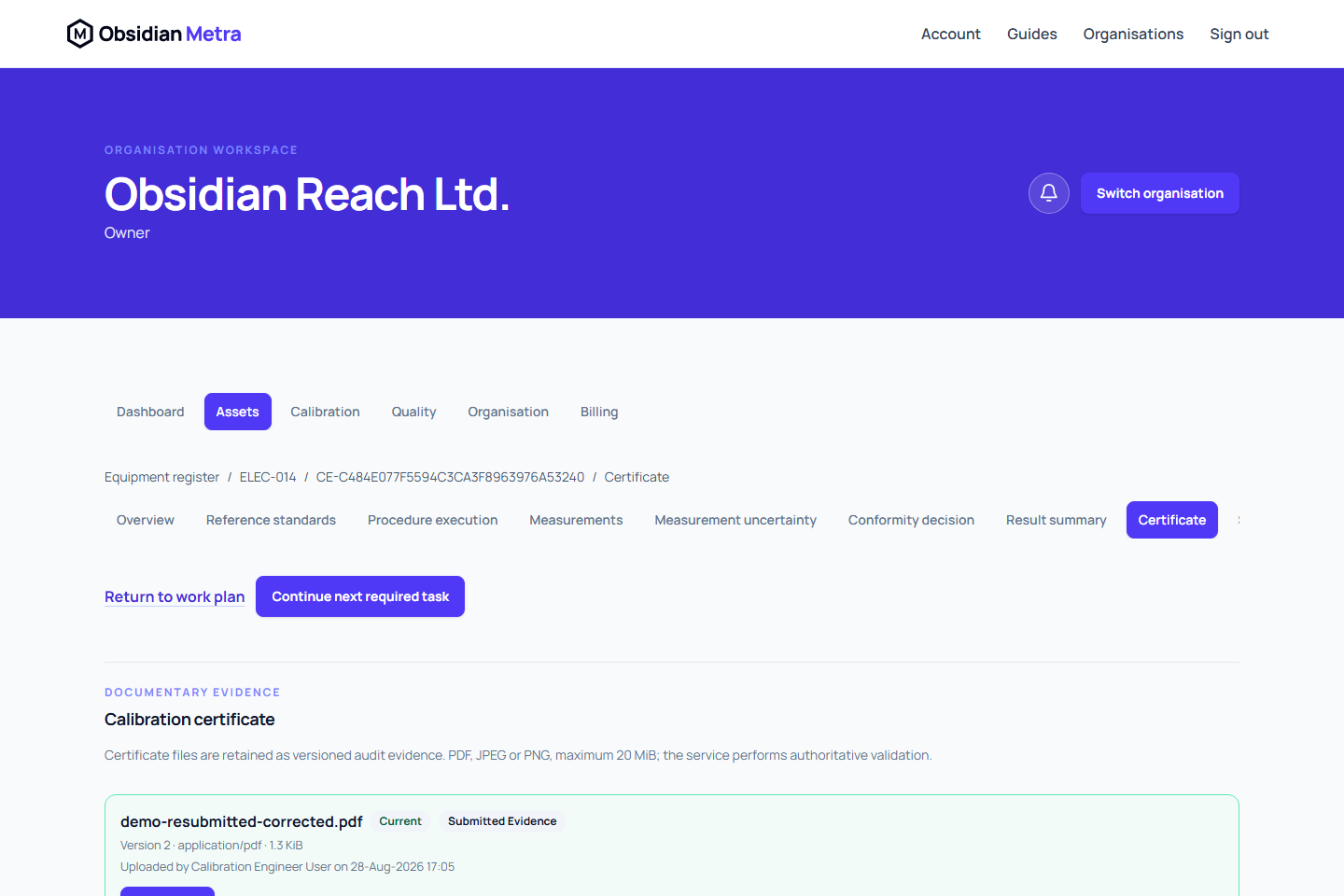
Use certificate upload when the requirement route is External uploaded certificate. This is available from the saved event workspace in Certificate. For a Metra-generated route, complete the generated certificate readiness flow instead.
Upload evidence
- Open the calibration hub.
- Open Certificate evidence.
- Select the PDF, JPEG, or PNG file, up to 20 MiB.
- Check the displayed filename and context.
- Upload the certificate.
Certificate storage is tied to the organisation and calibration event. You can therefore attach or replace evidence after the equipment moves to another client or site, or after it becomes unassigned. The historical event retains its own calibration context.
Replace a certificate
Use the replacement action rather than overwriting the current file. Metra preserves prior versions, checksums, upload actors, timestamps, and supersession history.
Submitted and approved work remains controlled. Available actions depend on event state and your Metra-authorised event-work access.
Related guides
Retain the provider's certificate identity
In Upload certificate, optionally record Certificate number and Certificate date from the provider's document. These values are retained with that uploaded evidence version and shown beside the filename; they do not replace the calibration event date or establish approval. If replacing a document, enter the replacement's number and date separately and provide the replacement reason. Previous files and their metadata remain in immutable history. Entered metadata is retained when upload or version checks fail.
With certificate-download permission, Preview opens the retained PDF or image in a dialog with its recorded number and date. Close the preview to return to the event. Previewing does not approve the evidence, change its status or replace the retained file.
Retry upload continues the same file and bound metadata. If you edit the file, certificate number/date or replacement reason after a failure, Metra cancels that failed attempt and starts a fresh upload when you submit. This keeps corrected values separate from the previous immutable upload target.