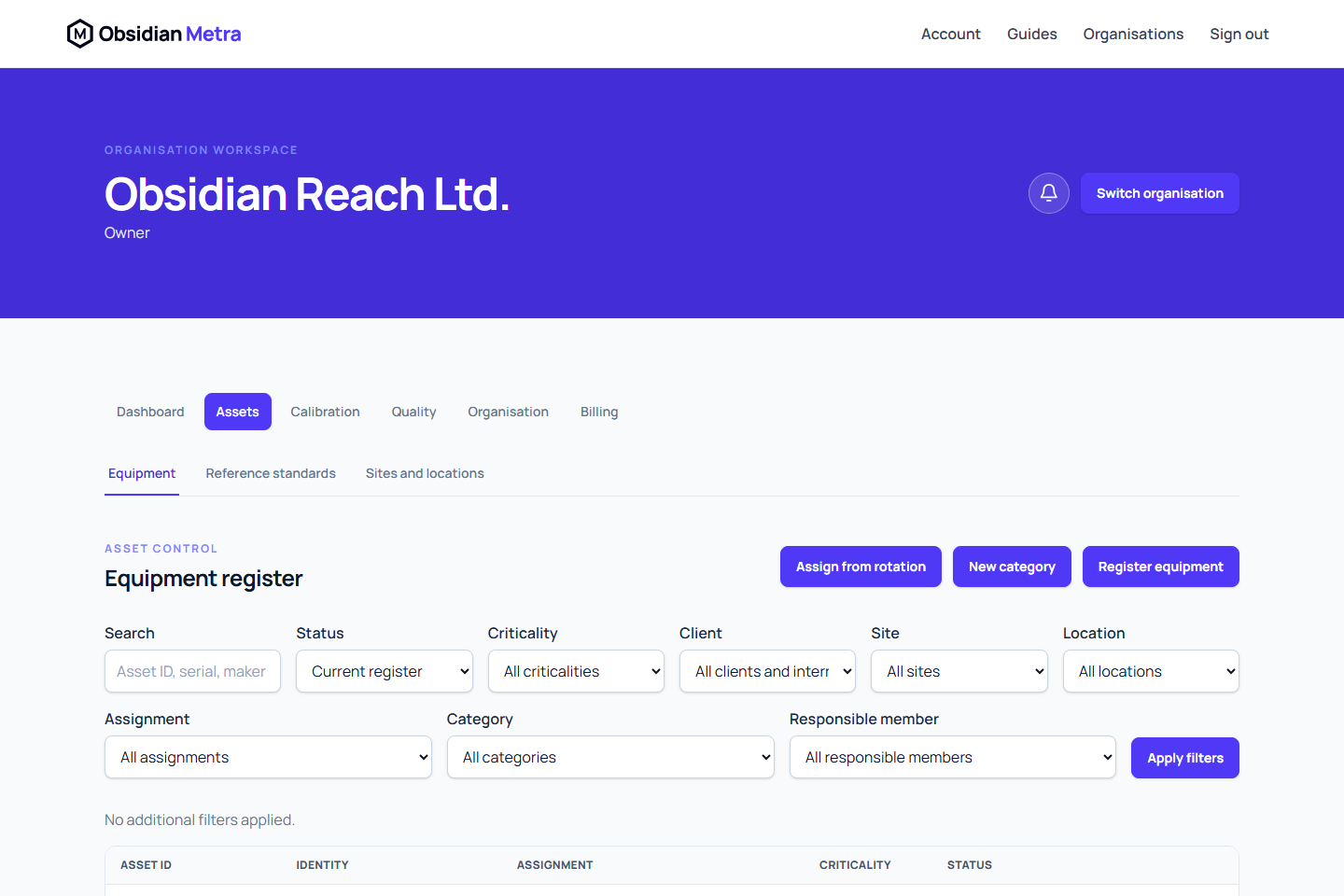
The equipment register records the identity, current placement, responsibility, and lifecycle state of each physical asset. Equipment can be assigned to a client site or kept unassigned in the organisation's rotation pool.
Before registering equipment
Create at least one active equipment category. A site is optional at registration, but any selected site and location must be active and belong to the current organisation.
For the complete registration procedure, see Register equipment. Create the destination first with Create sites and location hierarchies when the device will be installed immediately.
An equipment record can include:
- Internal asset ID
- Category
- Manufacturer, model, and serial number
- Criticality
- Responsible member
- Purchase and commissioning dates
- Notes
- Site and location, when currently deployed
The internal asset ID must be unique within the organisation. Serial numbers do not have to be unique.
Register equipment in the rotation pool
- Open Equipment.
- Start a new equipment record.
- Enter the required identity and category information.
- Leave the site and location empty.
- Optionally select the responsible member who will remain accountable for the equipment while it is in rotation.
- Save the record.
The equipment is now unassigned and available in the rotation pool. Responsible ownership is independent of client, site, and location, so a rotation-pool item can retain or receive a responsible member without being physically deployed. Registration starts the equipment in draft; responsibility, assignment, and lifecycle status are controlled separately.
Assign an unassigned device
Use the rotation-pool filter or Assign from rotation action when installing equipment at a client site. The assignment selection shows only currently unassigned devices.
- Select the destination client and site.
- Select a location when a more precise placement is required.
- Choose the unassigned equipment.
- Enter when the movement became effective.
- Select the reason that best describes the placement.
- Add concise notes when they help explain the movement.
- Confirm the assignment.
The available movement reasons are:
| Reason | Use it when |
|---|---|
active_deployment | The device is being installed for operational use |
maintenance | The device is placed for maintenance or calibration work |
rotation | The device is entering or leaving the normal rotation process |
storage | The device is being held in storage |
decommissioned | The placement records removal from operational use |
The system stores movement times in UTC. Future movements, duplicate start times, and movements earlier than the current open placement are rejected because they would make the history overlap or run out of order.
Swap sensors at a client site
A typical annual sensor swap is:
- Open the installed sensor and return it to the rotation pool using the correct effective date and reason.
- Open Assign from rotation for the destination client, site, and location.
- Select the newly calibrated unassigned sensor.
- Record the installation date and reason.
- Confirm that both devices show the expected movement in their timelines.
Returning a device to rotation clears its current site and location. It does not delete the previous placement.
Review movement history
Open an equipment record and view its deployment timeline. Each interval records the client, site, location, effective start, effective end, reason, and the member who made the change.
Movement history is append-only. The current equipment fields show where the item is now; the timeline is the official record of where it was during an earlier period.
This distinction matters for audit dossiers. A dossier uses historical client-site intervals, not only the equipment's current site. See ISO 17025 dossiers.
Equipment lifecycle
The principal equipment states are:
draftactivequarantinedout_of_serviceretiredarchived
See the Equipment status reference for the exact transition map and the Deployment reference for interval and movement-reason rules.
Use the explicit status action offered by the equipment page. Reasons are required for significant transitions such as quarantine, restoration, retirement, and archival. Retired and archived records remain available as history and are not restored through the ordinary workflow.
Assignment does not make an item operational by itself. The Metra also checks equipment status, category availability, destination availability, calibration dependencies, and active out-of-tolerance cases when applicable.
Permission notes
Owners, organisation administrators, and quality managers normally have the full equipment-register controls granted to them. Calibration managers and calibration engineers can perform operational equipment work when their effective permissions allow it, but category management and equipment archival are more restricted.
Read-only users can view records and history without seeing mutation controls. The Metra always makes the final permission and validation decision.
Use Troubleshoot unavailable selections when a rotation device or destination is missing, and Troubleshoot update conflicts when a movement or status change is rejected after concurrent work.
Related guides
Use the Glossary for concise definitions of equipment, deployment, rotation pool, site, and location.
Moving reference standards
Reference standards remain equipment and keep the same deployment history when owned, rented, provider owned, stored, or moved. A movement does not rewrite historical standard usage. Metra evaluates the frozen use and restrictions on the calibration work date. See Reference standards overview.
Field and internal work
Future movements cannot be recorded. Use a separate portable equipment reservation for future kit planning; record the actual movement after it occurs.