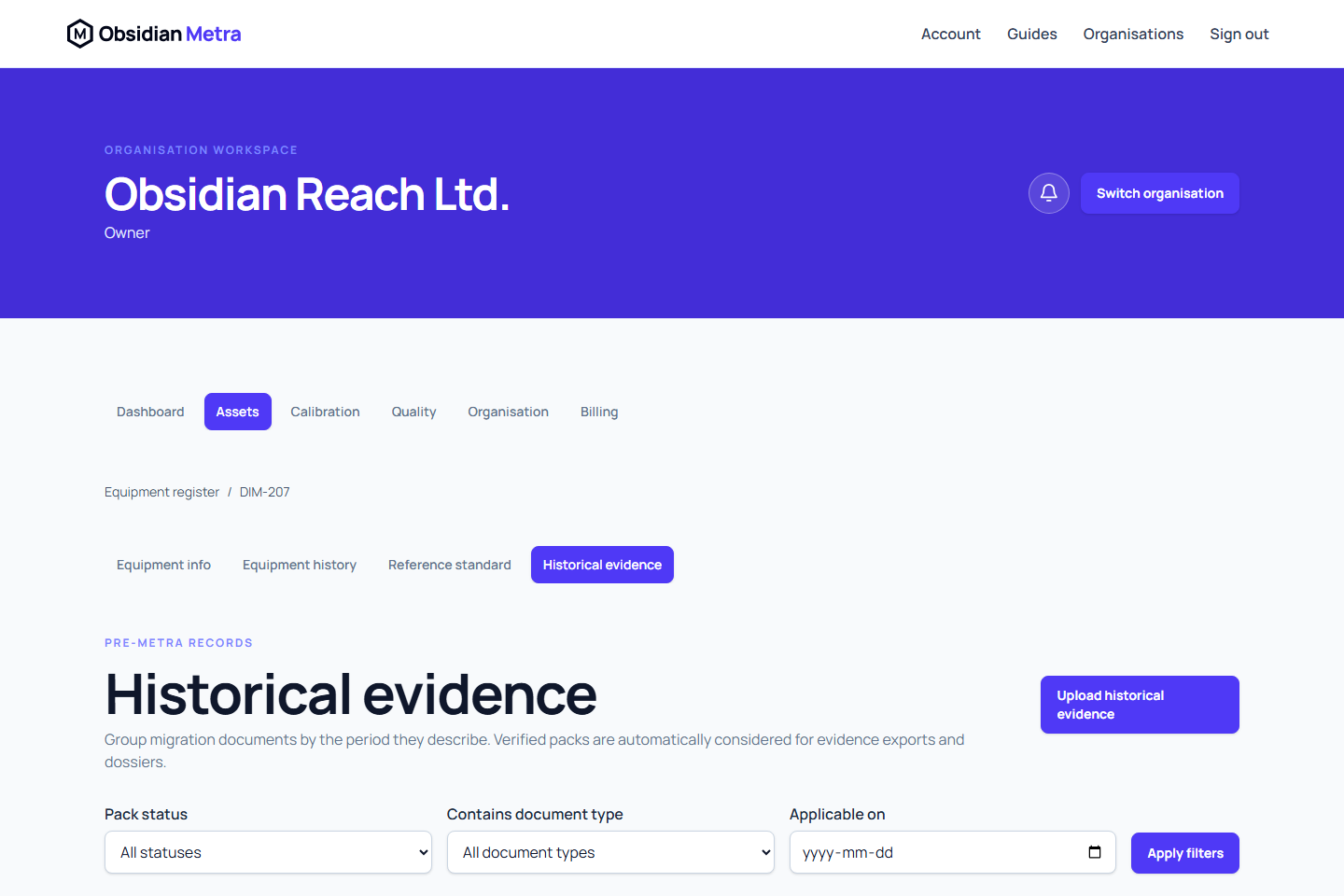
Use historical equipment evidence when migrating records that predate your organisation's use of Obsidian Metra. One pack represents one applicable date range for one asset and can contain several related files, such as a certificate, procedure, measurement report, and traceability evidence.
Do not use this workflow for calibration work performed in Metra. Record that work as a calibration event and attach its certificate through the calibration workspace.
Before you start
- Open the correct equipment record and check its asset identifier and serial number.
- Identify the inclusive period covered by the documents.
- Gather PDF, JPEG, or PNG files, each no larger than 20 MiB.
- Decide the correct fixed document type for every file.
- Check deployment history if the pack may be used in a client or site dossier.
Dates describe when the evidence applies, not when you upload it. Use the same start and end date for one-day evidence. Leave the end date empty only when evidence remained applicable until migration. Future applicability dates are not accepted.
Create a dated pack
- Open Equipment and select the asset.
- Open Historical evidence.
- Select Upload historical evidence.
- Enter a title and the required Applicable from date.
- Enter Applicable to when the evidence stopped applying.
- Add each related file and choose its document type.
- Add an optional reference or note when it helps identify the source.
- Confirm the pack contains pre-Metra customer-supplied evidence.
- Review the complete file list, dates, asset, and classifications.
- Submit the pack.
You can include multiple document types in one pack. Do not create a separate pack for every file when the documents describe the same asset and applicability period.
Types include calibration certificate, calibration procedure, calibration report, measurement results, uncertainty evidence, traceability evidence, reference-standard certificate, out-of-tolerance record, corrective-action record, maintenance or repair record, and other historical evidence.
Complete verification
Metra determines the route from your active organisation role. You cannot choose a less restrictive route.
| Uploader role | Required route | Result |
|---|---|---|
| Calibration engineer or calibration manager | Independent approval by another authorised member | The pack remains awaiting approval until accepted. |
| Quality manager, administrator, or owner | Confirm the fixed correctness declaration | The pack becomes verified after confirmation. |
The correctness declaration confirms that you checked the asset, dates, classifications, and files. Metra records its wording, your identity, membership role, confirmation time, verification route, and fixed manifest hash in the audit trail.
Independent approvers review the same complete pack and cannot approve their own submission. Approval applies to every file in the pack, not individual files.
Correct a verified pack
A submitted or verified pack is fixed. To correct a file, date, type, or asset:
- Select Supersede pack.
- Enter the required reason.
- Create the replacement with its complete corrected file set.
- Complete the replacement's verification route.
The earlier pack remains in history. Use Void with a reason for evidence attached to the wrong asset or that must not be relied upon. Records are not hard-deleted.
How formal evidence uses the pack
Equipment evidence packs include verified historical packs when the asset is selected and the applicability period overlaps the export period. ISO dossiers also require an overlap with a deployment at a selected site during the dossier period. This prevents evidence following an asset into an unrelated client dossier after it moves.
If a pack spans several deployments, the complete source document is included and the dossier manifest identifies the matched site window and any extension beyond scope. Formal outputs label these files as imported pre-Metra evidence and retain dates, types, verification provenance, manifest hashes, and checksums.
Expected result
The equipment shows one dated historical evidence pack with all related files, its verification state, uploader, route, and audit provenance. Once verified, it is eligible for applicable equipment exports and dossiers.