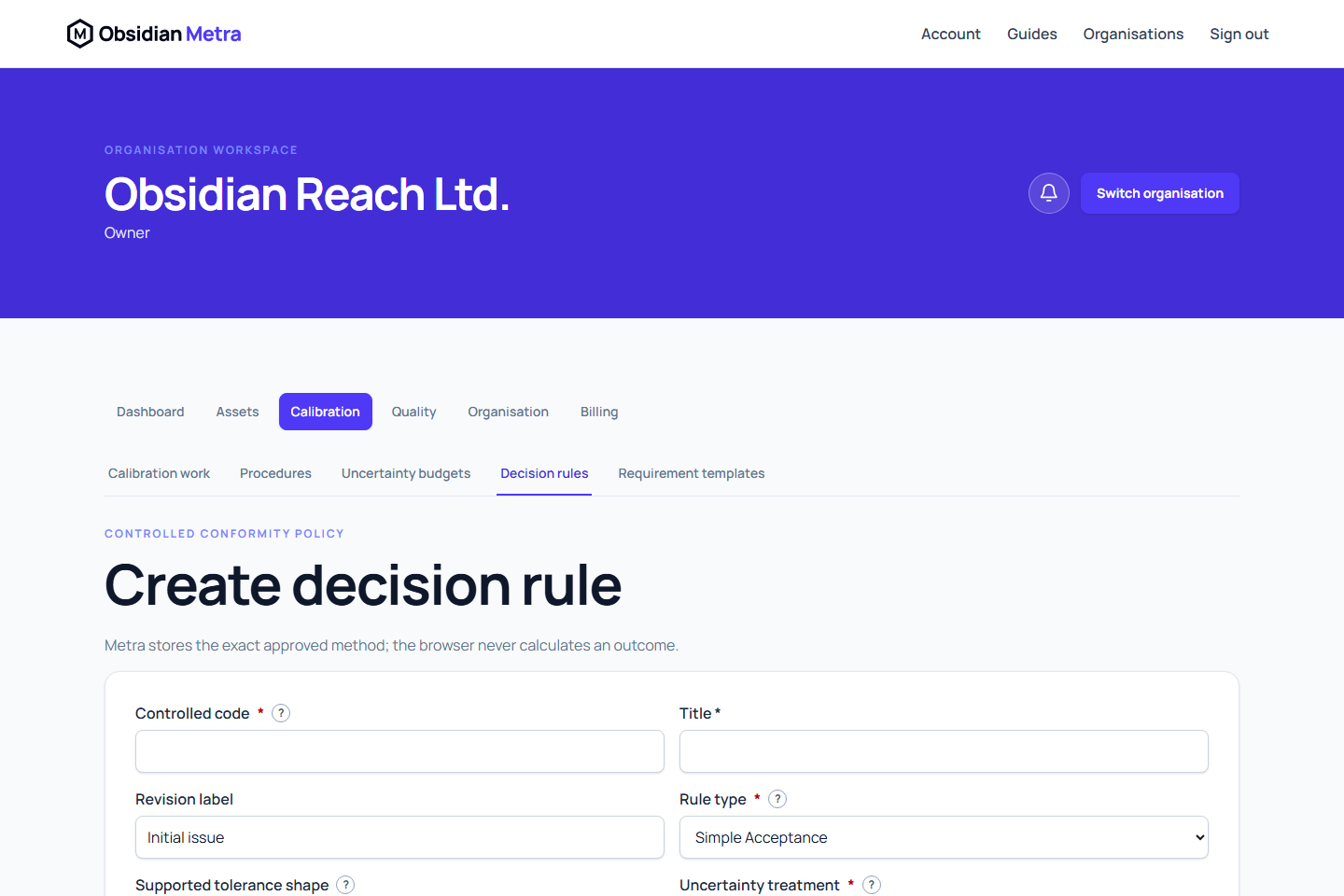
- Open Calibration and then Decision rules.
- Select Create decision rule.
- Enter a unique controlled code, title, purpose, and intended use.
- Choose simple acceptance, fixed absolute guard band, or uncertainty-multiplier guard band.
- Select the supported tolerance shape: any, two-sided, upper-only, or lower-only.
- State whether uncertainty is not used, combined standard uncertainty, or expanded uncertainty.
- Make lower and upper boundary inclusion explicit.
- Record supported outcomes, reporting language, restrictions, and source references.
- Create the draft, review it, and make any required draft edits.
- Submit the draft for review.
- Have a different authorised member approve it.
Draft revisions can be edited using their current version. After a revision has been submitted or approved, use Create new revision to create a superseding draft rather than changing the controlled record. The current lifecycle exposes submit and approve actions; it does not expose reject, withdraw, retire, or archive actions.
Submitted and approved revisions are fixed. The author or submitter cannot approve the same revision. Approving a newer revision supersedes the previous approved revision without changing calibration work already pinned to it.
An approved revision contains a content hash. Calibration work pins that exact revision, not whichever revision is newest later.
Next: Assign a decision rule.
Date entry and reporting wording
Effective and expiry times are entered explicitly in UTC, regardless of your browser timezone. Saving an unchanged time preserves its original instant. Use the reporting token buttons to insert an evaluated value, unit code or result into your wording. The example statement uses sample values only; it does not calculate or approve a result. Custom prose remains editable.
Leaving with unfinished changes prompts you to save or remain on the page. Saved controlled drafts remain the authoritative record.
Bind limits to the measurement specification
The reusable rule defines the acceptance method, guard band and boundary policy. Point-specific limits belong to the applicable measurement specification and are retained with each measurement point. Reusing a rule does not supply an asset-specific limit automatically.
Review the requirement's acceptance criteria and exact procedure revision, then the point's lower and upper tolerance in the saved measurement revision. Conformity evidence displays the limits and the acceptance interval actually evaluated. Correct the specification or measurements through their controlled workflow if the limits are missing or unsuitable; adding prose to the rule is not a numeric limit binding.