Independent review checks the exact dossier selection frozen at submission. Approval confirms that an authorised reviewer examined that selection; it does not certify conformity or accreditation.
Prerequisites
- The dossier status is
ready_for_review. - You have dossier review permission in the selected organisation.
- You are not the dossier preparer.
- The preparer has resolved known scope and evidence problems before submission.
Review the frozen selection
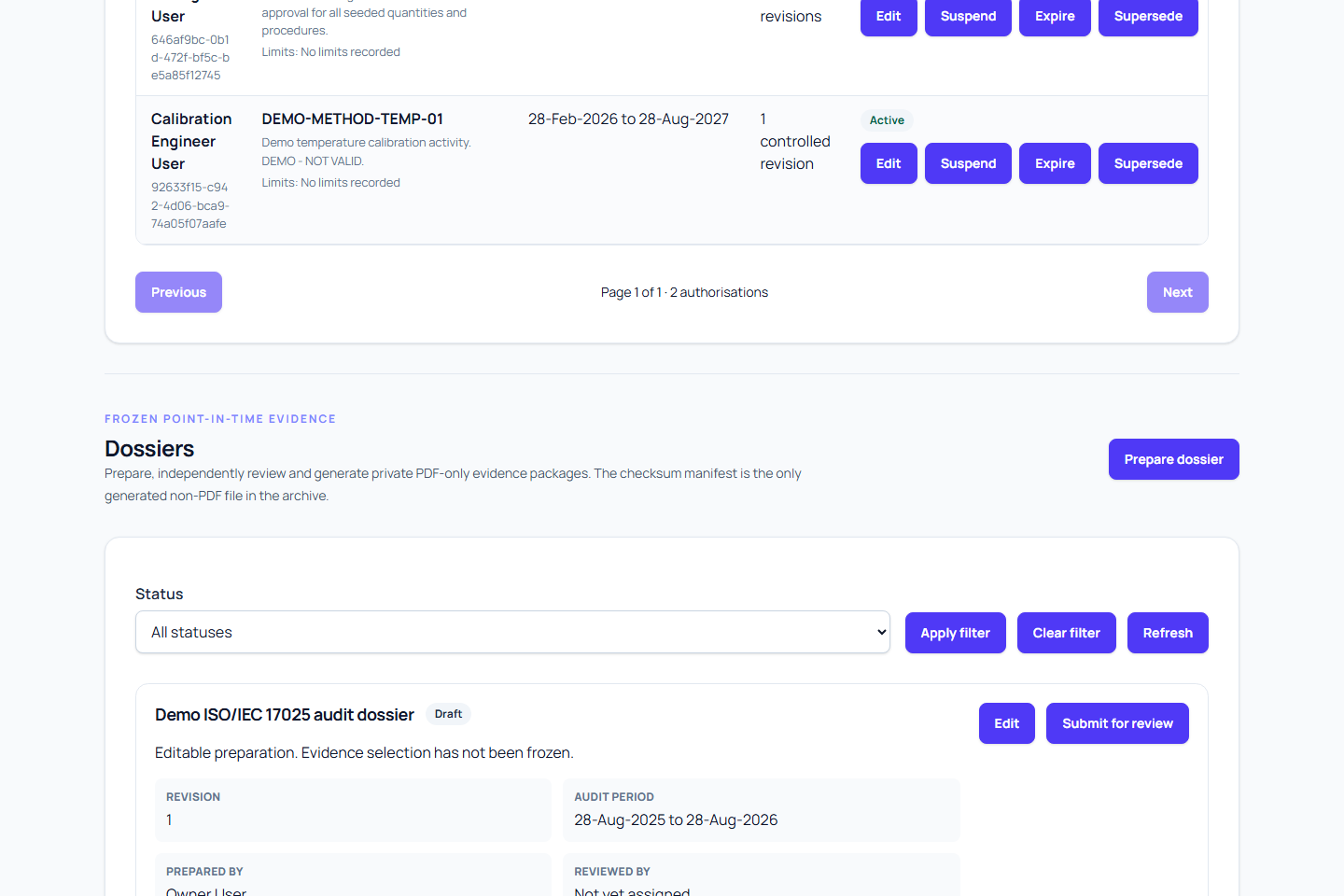
- Open the ISO 17025 audit workspace and go to Dossiers.
- Find the dossier with status
ready_for_review. - Confirm the title, revision, scope summary, inclusive period, and selected client sites.
- Check that historical equipment deployment intervals match the selected client-site scope.
- Review the evidence mode and the event states it permits.
- Review readiness warnings, controlled-document revisions, personnel authorisations, calibration work, certificates, and nonconforming-work evidence.
- Confirm the frozen names, references, source identifiers, file sizes, and checksums are consistent with the intended package.
Review the frozen revision, not merely the latest version of each source record. A source may have changed after submission without changing what this dossier contains.
Approve the dossier
- Select Approve.
- Enter the required Reviewer statement.
- Select Approve dossier.
- Confirm the status becomes
approved.
Approval records the reviewer and approval time. The approved revision remains fixed and can then be queued for generation.
If you find a problem
Do not approve a dossier whose frozen scope or evidence is unsuitable. The current workflow does not provide a reviewer rejection transition back to draft.
- Record the issue outside the approval action using your organisation's controlled review process.
- Ask the preparer to correct the underlying records where necessary.
- Create and submit a new dossier revision with the corrected selection.
- Review the new revision independently.
Leaving the unsuitable revision unapproved preserves the submitted selection and its audit history.
Expected result
An independently reviewed dossier has status approved, records a reviewer different from its preparer, and retains the exact fixed selection approved for generation.
Warnings
- Owners and quality managers may review only when they are independent of preparation.
- Organisation administrators can prepare and download dossiers but cannot approve them.
- Permission does not override separation of duties or organisation scope.
- Approval does not promise that generation will succeed; file integrity is checked again during generation.
- Approval is not a conformity or accreditation decision.